
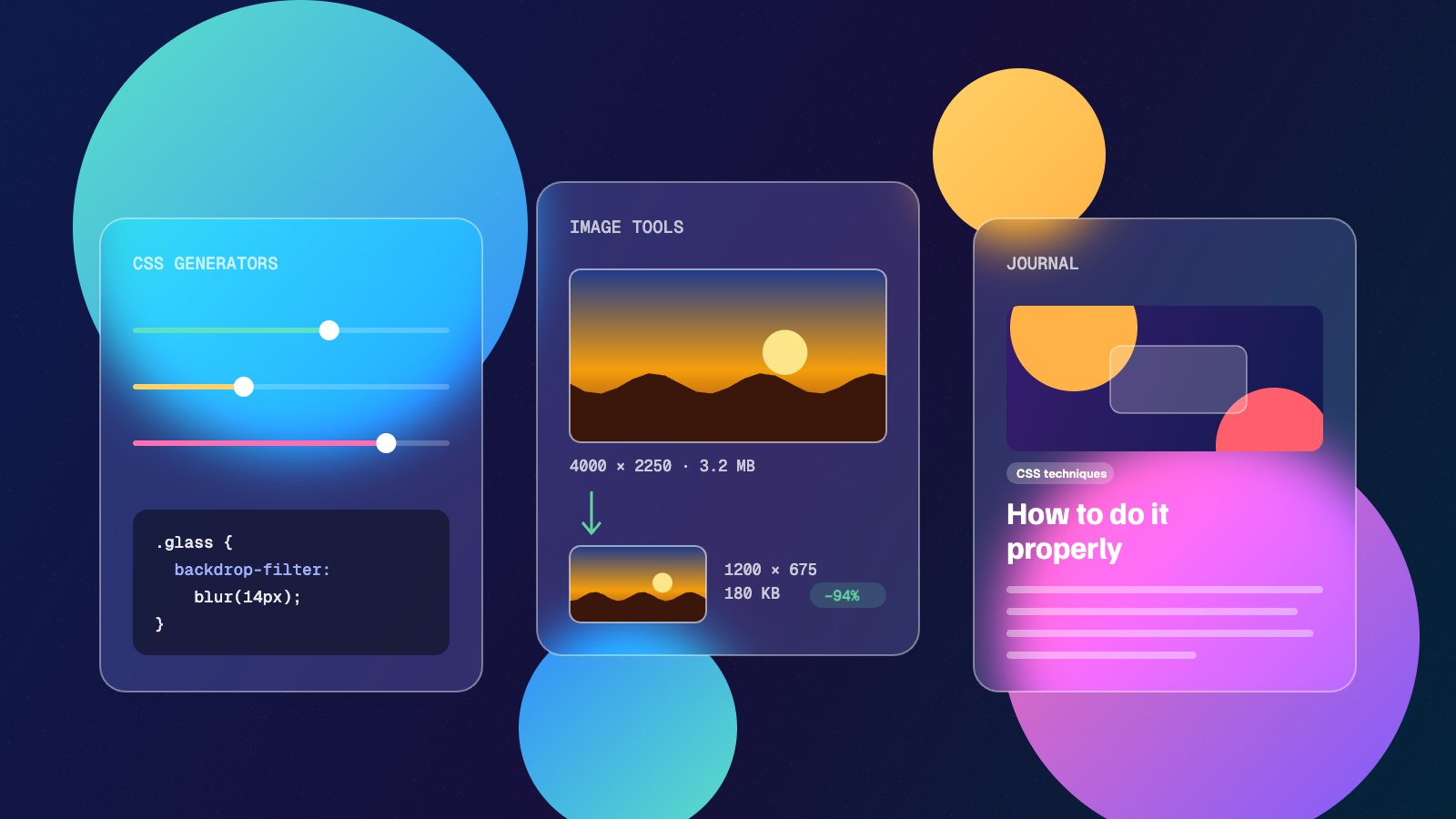
Refract Tools started with a daily limit. I was halfway through auditing a client site, the tool I relied on told me I’d used up my free runs for the day, and I had a choice: pay for something I needed twice a month, or wait until tomorrow. Neither felt right for a job that takes a browser a few seconds.
That moment kept coming back with other tools. A gradient generator that wanted an email address. An image compressor that uploaded every file to a server I knew nothing about. A favicon site so covered in adverts the download button was hard to find. None of these jobs are complicated, so I started building my own versions. Refract is where they live.
Refract in short
- Ten free tools for people who build websites: seven CSS generators and three image tools.
- No accounts, no daily limits and no adverts.
- Image tools work inside your browser, so your files are never uploaded.
What you’ll find here
Every tool is built around the same idea: you should see the result while you make it, then take the result away in one click.
CSS generators
Some CSS is easy to write but hard to judge until you see it. These generators give you sliders, a live preview and clean code to copy.
- Glassmorphism generator: frosted glass panels, previewed over three different backgrounds so you can check readability.
- Neumorphism generator: soft UI shadows, including pressed states and a movable light source.
- Claymorphism generator: puffy 3D cards made from three box-shadows.
- CSS gradient generator: linear, radial and conic gradients.
- Box shadow generator: layered shadows that fall off the way real light does.
- CSS blob generator: organic shapes from nothing but border-radius.
- Fluid typography calculator: one
clamp()rule instead of a pile of font-size media queries.
Image tools
Images are usually the heaviest thing on a web page, and preparing them is tedious. These three handle the jobs I find myself doing on almost every project.
- Bulk image resizer: resize, crop and compress a whole batch at once, then download them as a ZIP.
- Image format converter: move between PNG, JPG, WebP and AVIF, or turn an SVG into a high-resolution PNG.
- Favicon generator: a complete icon set from one logo, with the HTML tags to paste into your site.
Your files stay on your device
This was the part I cared about most. When you drop a photo into the resizer, it isn’t sent anywhere. Modern browsers can decode, resize and re-encode images by themselves, so Refract hands the work to your browser and gives you the finished file. Once a tool page has loaded, you could switch off your Wi-Fi and it would carry on working.
That matters when the images aren’t yours to share: client work under NDA, product shots ahead of a launch, or photos with location data baked in. As a bonus, the exported images have that location data stripped out. The privacy page explains the details, including the analytics we use if you allow it.
Try it: open the bulk image resizer, add a few photos from your phone and choose WebP as the output format. At the default width of 1200px, most phone photos come out more than 80% smaller with no visible difference.
Free, with no strings
There’s no account to create, no “three free uses a day”, and no watermark on what you download. Because the tools run in your browser rather than on a server, every extra visitor costs almost nothing to support. That’s what makes it possible to keep them free without filling the pages with adverts.
The CSS you generate is yours to use however you like, in personal projects or client work.
What the Journal is for
Tools only get you so far. Knowing when glassmorphism helps and when it hurts readability, or whether to serve WebP or AVIF, takes a bit more explanation than a slider can give. The Journal is where that explanation lives.
Expect practical articles on CSS techniques, interface design, image optimisation and site performance. Each one aims to answer a real question you might have halfway through a build, and most will point you to the tool that does the job.
What’s next
Ten tools is a start, not a finish line. There’s a list of what comes next, shaped by the jobs that keep coming up in real projects. New tools will be announced here in the Journal as they arrive.
In the meantime, have a look around the full set of tools. If one of them saves you ten minutes this week, it’s done its job.